

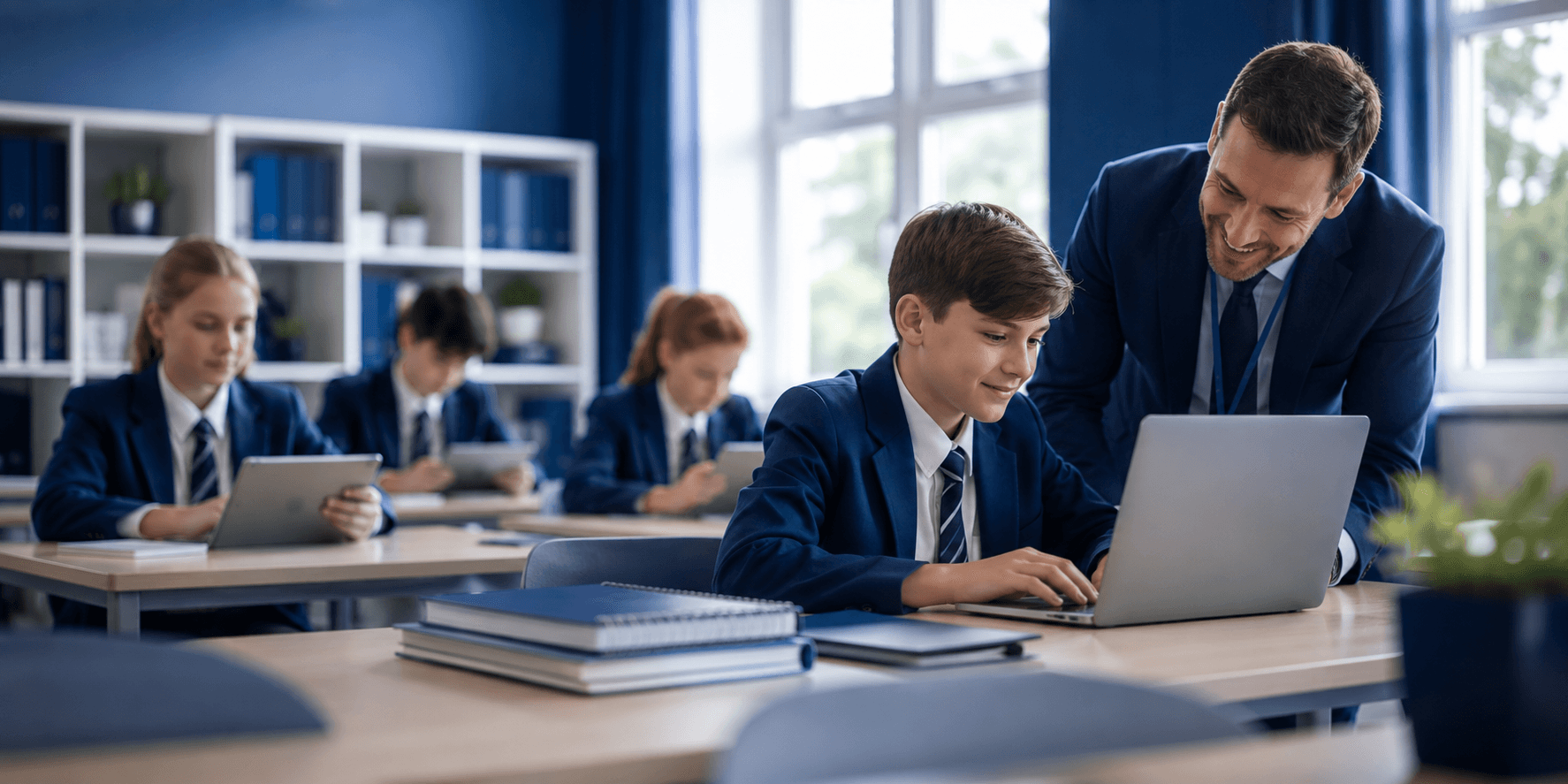
Simplicity at launch can be appealing. A clear proposal, a straightforward device choice and a quick rollout can make a one to one technology programme appear easy to manage.
But what looks simple at the beginning does not always remain simple once the programme is running. The real workload often appears later, when devices need repairing, parents need support, new students join, or staff are asked to manage another process alongside their existing responsibilities.
Whether a school is introducing Chromebooks, laptops for students or iPads for schools, the device is only one part of the programme. Procurement, configuration, security, repairs, replacements, parent communication and ongoing support all need to work together.
Good programme design does not hide the work. It looks at where that work will land and finds ways to remove unnecessary pressure before it becomes a problem.
1. Look Beyond the Device
Choosing the right classroom technology is important, but it is only the starting point. A device that works well in a classroom still needs to fit into the school's wider systems and day-to-day operations.
Before a programme goes live, schools should consider what happens after the devices have been handed out:
- Who manages setup and configuration?
- How are devices allocated and tracked?
- Who deals with repairs, damage and replacements?
- How are updates and security managed?
- How will parents get help when they have questions?
- What happens when students join or leave the school?
These details can easily be overlooked when the focus is on selecting devices and getting them into students' hands. Yet they are often where the biggest operational demands appear.
A successful one to one technology programme considers the complete journey, from procurement through to everyday use.
2. Understand Where the Work Actually Lands
Every technology programme creates some level of work. The important question is whether that work has been planned for or simply passed to existing staff.
A process may look manageable from a leadership perspective, but the reality can be very different for the IT team, school office or teachers dealing with it every day.
For example, a school may have an effective process for distributing laptops for students. But if every repair, replacement or access issue requires several emails and manual follow-ups, the administrative workload can quickly build.
The same applies to iPads for schools. Without clear ownership and support processes, routine issues can end up taking time away from other priorities.
Before introducing a programme, it is worth asking:
“Who will actually be doing this when hundreds of devices are in use?”
It is a simple question, but it can expose gaps that are easy to miss during the planning stage.
3. Plan for the Everyday Exceptions
The first few devices rarely create a problem. The challenge comes when the programme operates at scale.
One damaged Chromebook can be dealt with quickly. A regular flow of damaged or lost devices across several year groups requires a completely different level of organisation.
One parent query is easy to answer. Hundreds of families asking about payments, access, repairs, insurance or device use need a clear and reliable support process.
Good planning means thinking about these situations before they happen:
- New students joining the school.
- Students leaving or changing year groups.
- Lost, damaged or faulty devices.
- Password and account access issues.
- Software and operating system updates.
- Repairs and replacement devices.
- Parent questions and support requests.
- Changes in staff or programme responsibilities.
None of these situations are unusual. They are part of running a device programme. Building them into the model from the start means staff are less likely to spend their time firefighting later.
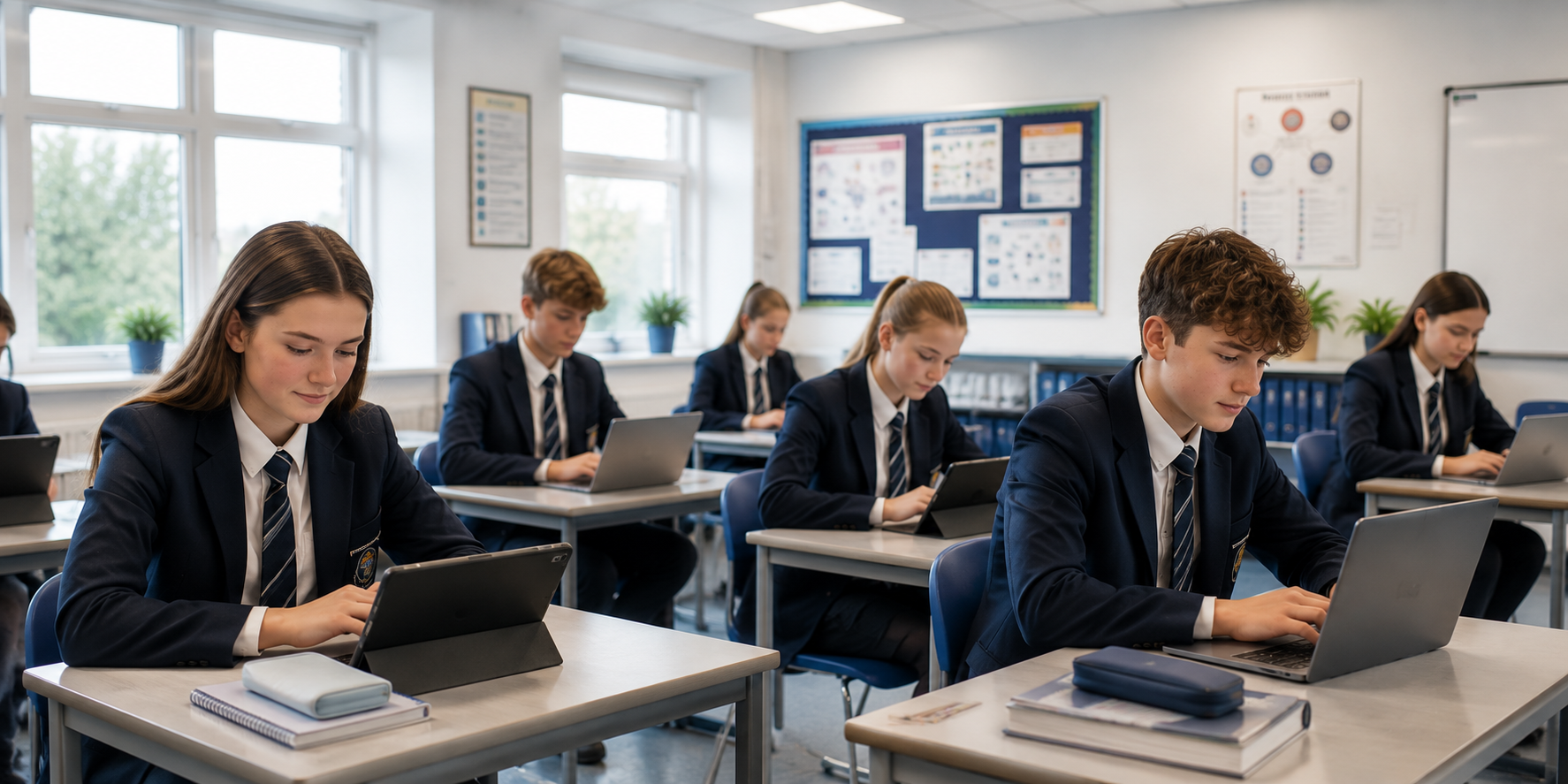
4. Make Classroom Technology Work for Teachers
The purpose of classroom technology is to support learning, not create another layer of administration for teachers.
The value of a one to one technology programme is not simply that every student has a device. It is that the technology is available, reliable and ready to support learning when it is needed.
This means schools need to consider the teacher experience alongside the technical requirements. If teachers are regularly dealing with broken devices, access problems or processes that sit outside their role, the benefits of the programme can quickly become harder to realise.
A well-designed programme should make devices:
- Ready to use when students need them.
- Consistent and manageable across the school.
- Supported when something goes wrong.
- Simple for staff and students to access.
- Easy to manage without unnecessary teacher involvement.
When the operational side is handled properly, Chromebooks, laptops and iPads can become a natural part of everyday teaching rather than another issue for teachers to solve.
5. Simplicity Should Mean Less Work, Not Less Support
There is an important difference between a programme being simple and a programme being under-supported.
Fewer processes and fewer visible moving parts can look attractive during procurement. But if the result is that school staff have to manage every issue once the programme is live, the programme has not really become simpler.
True simplicity comes from having the right processes and support in place before they are needed.
That means considering the experience of:
- School leadership.
- IT and support teams.
- Teachers.
- Students.
- Parents.
Each group interacts with the programme differently. A strong model takes those experiences into account rather than designing everything around the initial purchase.
The result is a programme that can scale without continually adding more work to the people already responsible for keeping the school running.
Conclusion
The simplest programme is not necessarily the one with the fewest steps at launch. It is the one that continues to work without creating unnecessary pressure for the people running it.
Whether a school is introducing Chromebooks, laptops for students, iPads for schools or another form of classroom technology, success should be measured by what happens after implementation, not just how easy the launch looks.
A well-designed one to one technology programme anticipates the workload, gives staff and families the support they need, and makes everyday technology easier to manage.
Good design does not disguise effort. It removes it.